Learning at Yuanmi

Courses10

From creative methods to practical work. Find your next step.

AI filmmaking

AI Comic Production: The Complete Workflow

Explore the full production process, from story and storyboards to generated visuals, sound and editing.
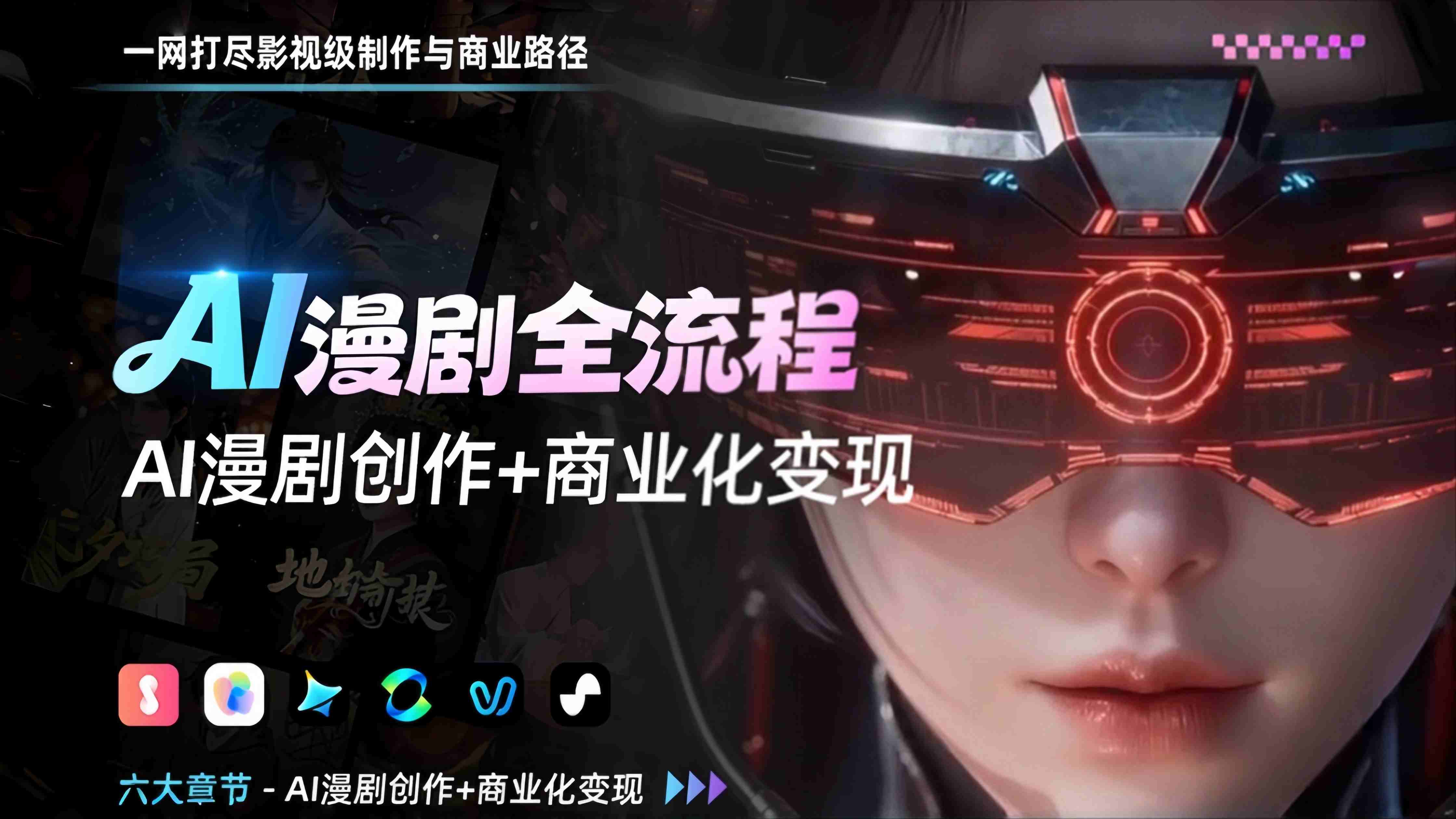
AI Comic Production: The Complete Workflow

Developed and distributed by Yuanmi Studio
Zhao: AIGC visual arts; Fubai: commercialization strategy
Recorded course · 12.5 hours · Lifetime viewing access

Audience & six-stage syllabus

Who this course is for

For beginners interested in visual storytelling, film and editing professionals exploring AI workflows, and AI creators or studios developing their production process.

  • Students abroad and overseas learners

    Explore AI comic production workflows and build personal creative experience.

  • Career changers and aspiring founders

    Learn production methods, studio collaboration and commercialization approaches.

  • Parents balancing learning and childcare

    Fit recorded lessons around daily life and explore video creation skills.

  • Retirees and hobby learners

    Start with the basics of visual storytelling and bring creative practice into everyday life.

What the course covers

  1. AI comic production fundamentals

    Industry overview, production workflows and quality criteria.

  2. Core production skills

    Shot language, storyboards, image and video generation, sound, character consistency and prompting.

  3. 2D motion comic project

    Script breakdown, consistent still images, shot generation, editing and compositing.

  4. 3D action comic project

    Character development, storyboards, action-shot generation and compositing.

  5. Photorealistic AI comic project

    Script and character development, video generation, final assembly and poster creation.

  6. Commercialization approaches

    Team and resource planning, platform revenue models, paid content, promotion, branded commissions, IP licensing and audience relationships.

Practice & applications

Project work covers 2D motion comics, 3D action comics and photorealistic AI comics, including scripts, storyboards, characters, shots, sound and compositing.

Tools covered

Jurilu, Doubao, Tapnow, MiniMax, Xiaoyunque, Jimeng, Kling, Vidu, Suno and Jianying

What equipment and skills do I need?

Start with an ordinary computer and basic computer skills. No prior filmmaking experience is required.

Will the tools cost extra?

You can start with free credits offered by the tools and purchase additional credits as needed. Availability, limits, features and pricing are set by each platform; additional costs may apply.

Commercial visuals

AIGC Advertising: Creative Visuals & Strategy

Connect creative expression with commercial production, from brand visuals to e-commerce and social advertising.

AIGC Advertising: Creative Visuals & Strategy

Instructor: Ren Wei
Recorded course · Lifetime viewing access

Audience & course content

Who this course is for

For creators with some AI image-generation experience, designers, brand marketers, advertising planners and content teams exploring commercial visuals.

What the course covers

  1. Advertising and visual fundamentals

    Advertising principles, layout, color, composition, delivery specifications and AI tool selection.

  2. Brand visuals

    Use a brief and brand positioning to develop key visuals, posters, logo directions and visual identity foundations.

  3. E-commerce advertising

    Product messages, scene images, listing and detail images, campaign banners and batch workflows in ComfyUI.

  4. Social advertising assets

    Visual hooks, still and motion assets, and variations across creative angles.

  5. TVC visualization

    Creative scripts, storyboards, motion previs and AI-assisted visual elements.

  6. Communication strategy and proposals

    Connect the creative brief, visual production and media context in a commercial visual proposal.

Practice & applications

Examples cover brand key visuals, e-commerce assets, social ads and TVC proposals, organized around concrete briefs.

Tools covered

Photoshop, ComfyUI, Jimeng, Kling and Jianying, among other tools.

AI at work

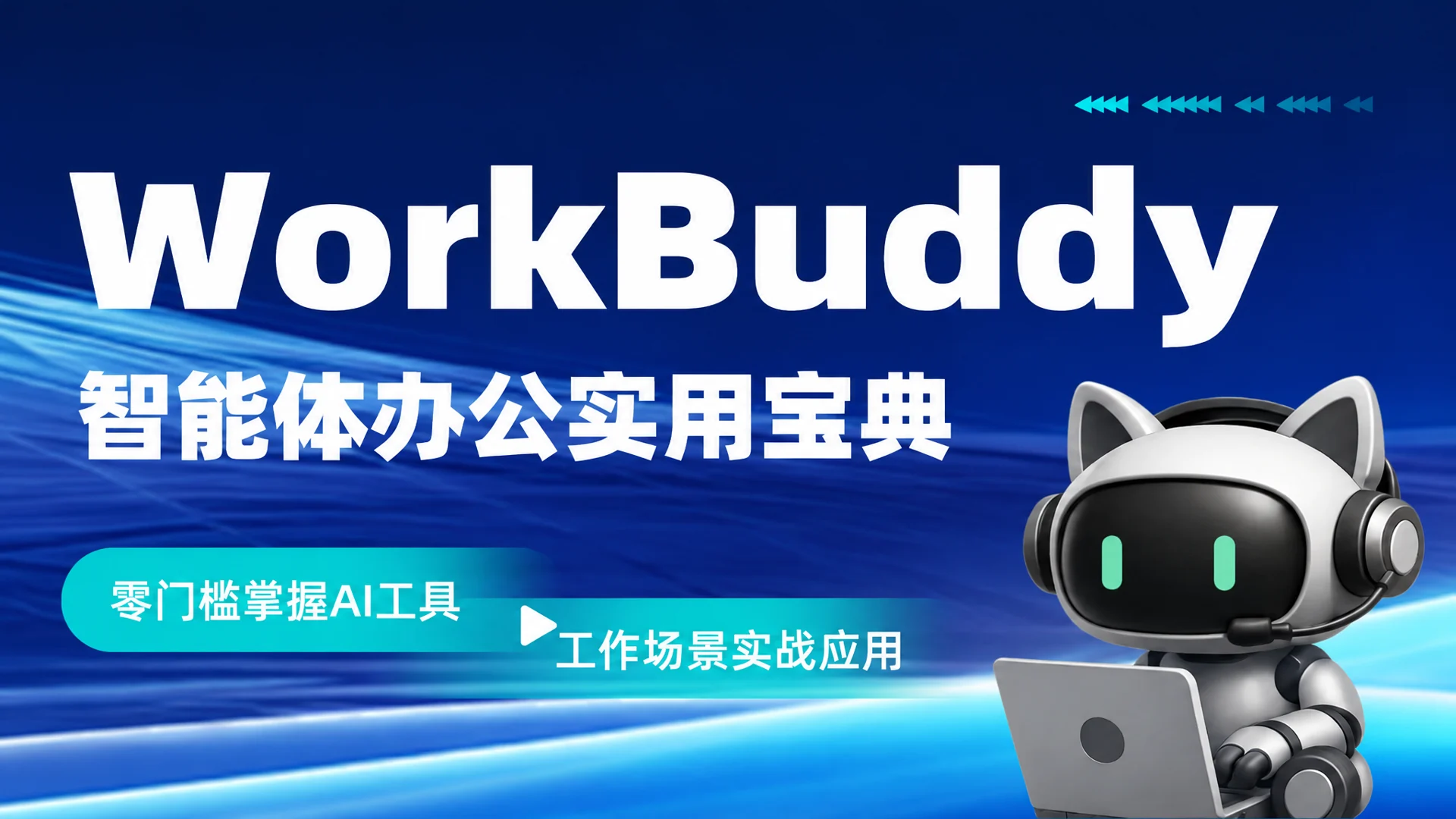
WorkBuddy: Practical AI Agents for Work

Learn practical workflows for files, agents, Skills and scheduled tasks through everyday office scenarios.

WorkBuddy: Practical AI Agents for Work

Instructor: Fubai
Recorded course · Lifetime viewing access

Audience & course content

Who this course is for

For office workers, operations and content teams, founders, small teams and beginners who want to move from AI chat to practical work.

What the course covers

  1. Getting started

    Meet WorkBuddy, install it, explore the interface and create a workspace.

  2. Files and connectors

    Work with spreadsheets, documents, PDFs and presentations, and access external material through connectors.

  3. Skills and expert mode

    Create presentations and short videos, and compare research summaries and article outputs across modes.

  4. Scheduled tasks and remote work

    Set up scheduled content tasks and initiate work on computer-based material from a phone.

  5. Project collaboration and integrated practice

    Bring the ten chapters together into reusable file, content and collaboration workflows.

Practice & applications

Demonstrations include organizing folders, processing documents, refining presentations, creating a 15-second promotional video and scheduling news summaries.

Tools covered

WorkBuddy; interfaces and features follow the version demonstrated in the course.

What equipment and skills do I need?

No programming background is required. Demonstrations begin with installation, the interface and a workspace.

Character design

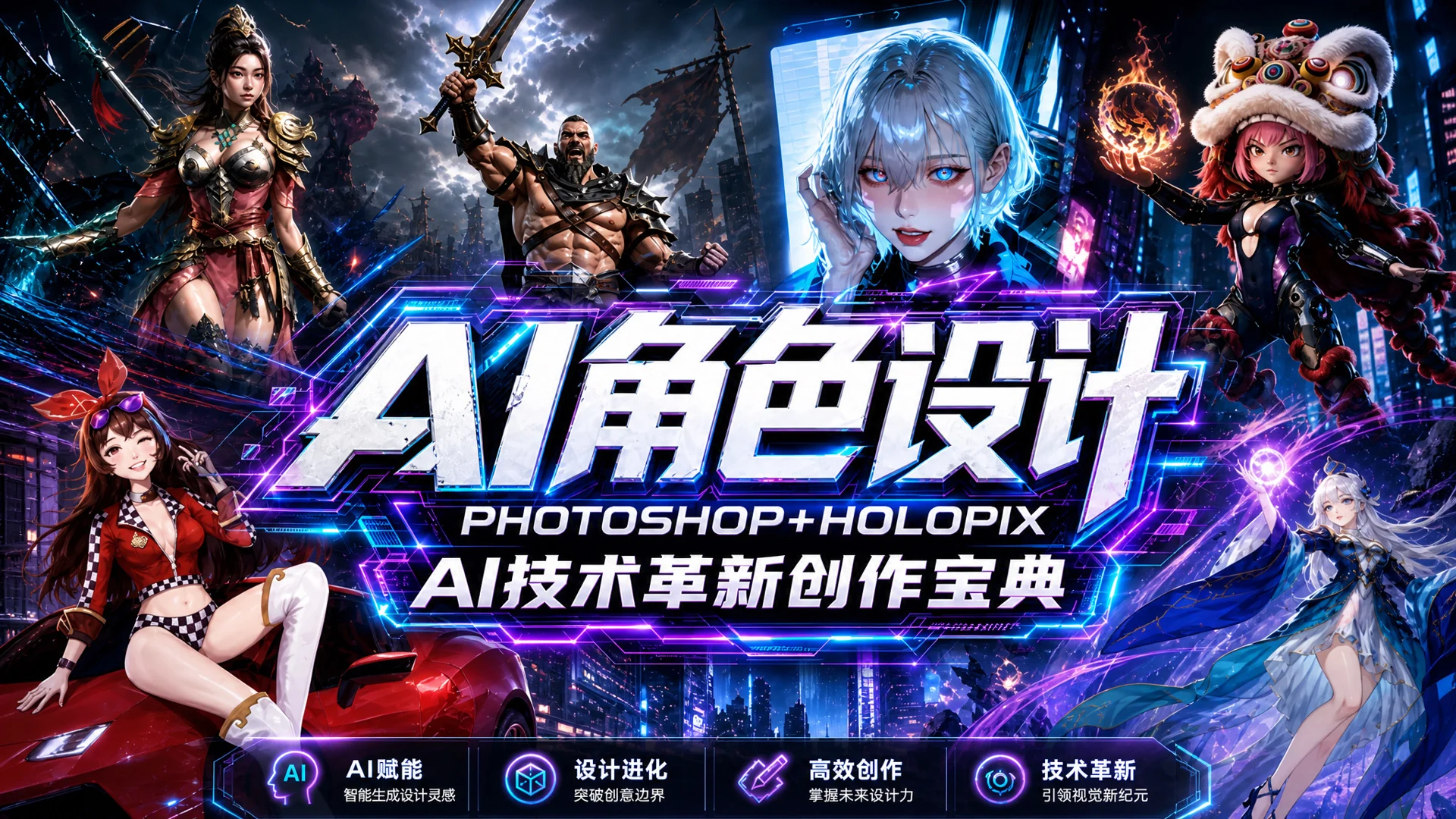
AI Character Design: Photoshop + Holopix

Develop character-design methods through form, anatomy, costume, painting and AI-assisted workflows.

AI Character Design: Photoshop + Holopix

Instructor: Haiyang
Recorded course · Lifetime viewing access

Audience & course content

Who this course is for

For art and design students, junior game concept artists and beginners interested in digital painting and character design.

What the course covers

  1. Tools and workflows

    Explore character concept workflows and learn the functions and combined use of Photoshop and Holopix.

  2. Color, lighting and anatomy

    Color and lighting fundamentals, head and body structure, and pose design.

  3. Costume, weapons and materials

    Character costume and equipment design, with material studies such as metal and gemstones.

  4. Planning and visual description

    Reference gathering, design composition and the development of visual prompts.

  5. Stylized character practice

    Combine painting and AI workflows for multiple views, style changes and illustrative presentation.

Practice & applications

Practice character form, costume, equipment and materials through drawing and AI-assisted development.

Tools covered

Photoshop and Holopix; demonstrations include drawing-tablet and digital painting techniques.

AI filmmaking

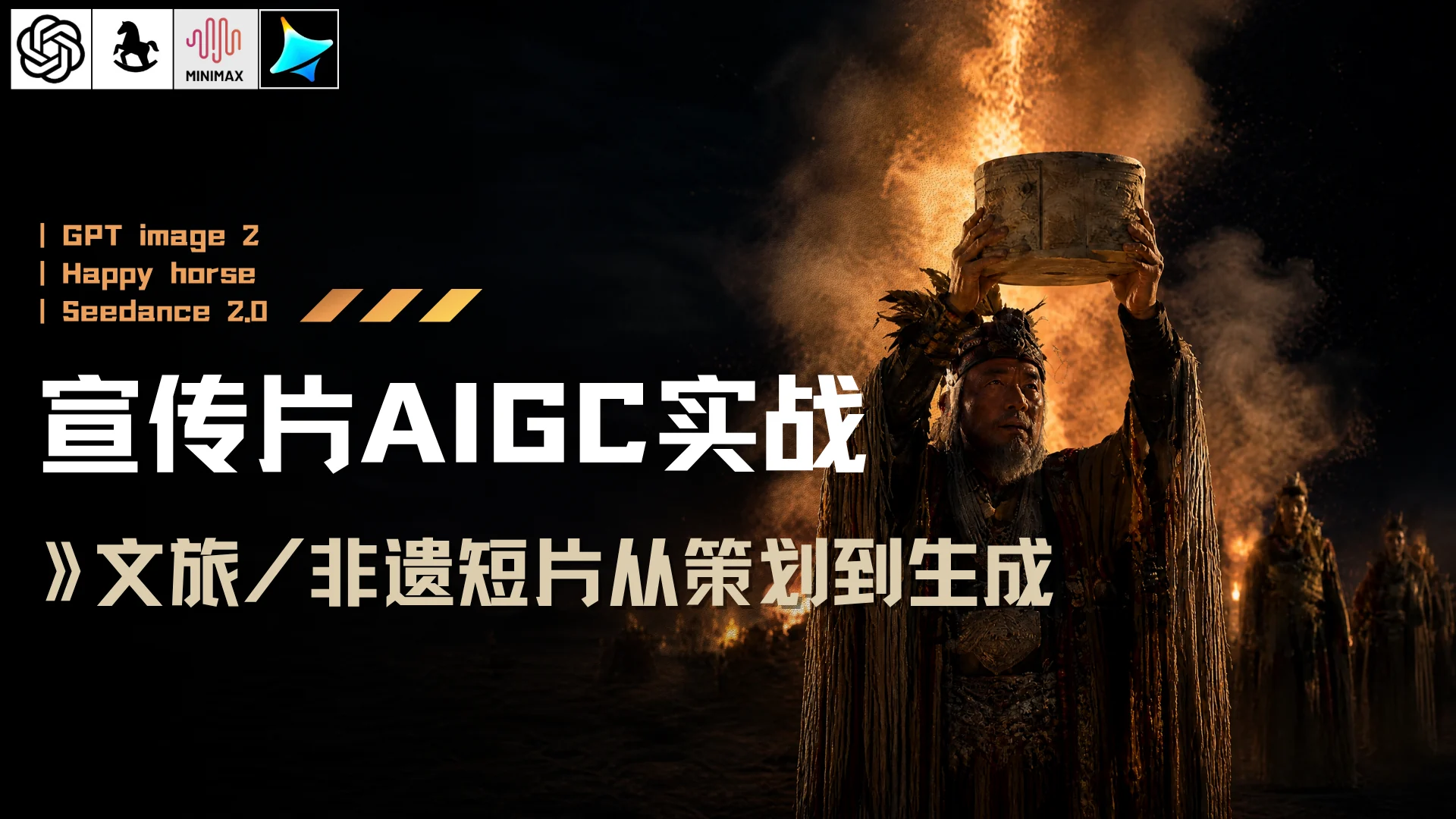
AIGC Promotional Film Production

Build a production workflow for cultural and travel films, from planning and script to generation and post-production.

AIGC Promotional Film Production

Instructor: Zhao
Recorded course · Lifetime viewing access

Audience & course content

Who this course is for

For content creators, tourism and cultural-sector professionals, digital-media students, career changers and learners interested in AI filmmaking.

What the course covers

  1. Direction and planning

    Narrative structure, the production workflow, concept planning and shot-by-shot scripts.

  2. AI visual generation

    Still-image prompts, consistent visual style and image-to-video shots.

  3. Cultural film practice and post-production

    Nine-panel storyboards, shot sequences, editing rhythm, voice and sound effects.

Practice & applications

Use tourism and intangible cultural heritage films to connect planning, script, still images, video and post-production.

Tools covered

The course uses image generation, image-to-video, voice and post-production tools, following the demonstrated versions.

Visual storytelling

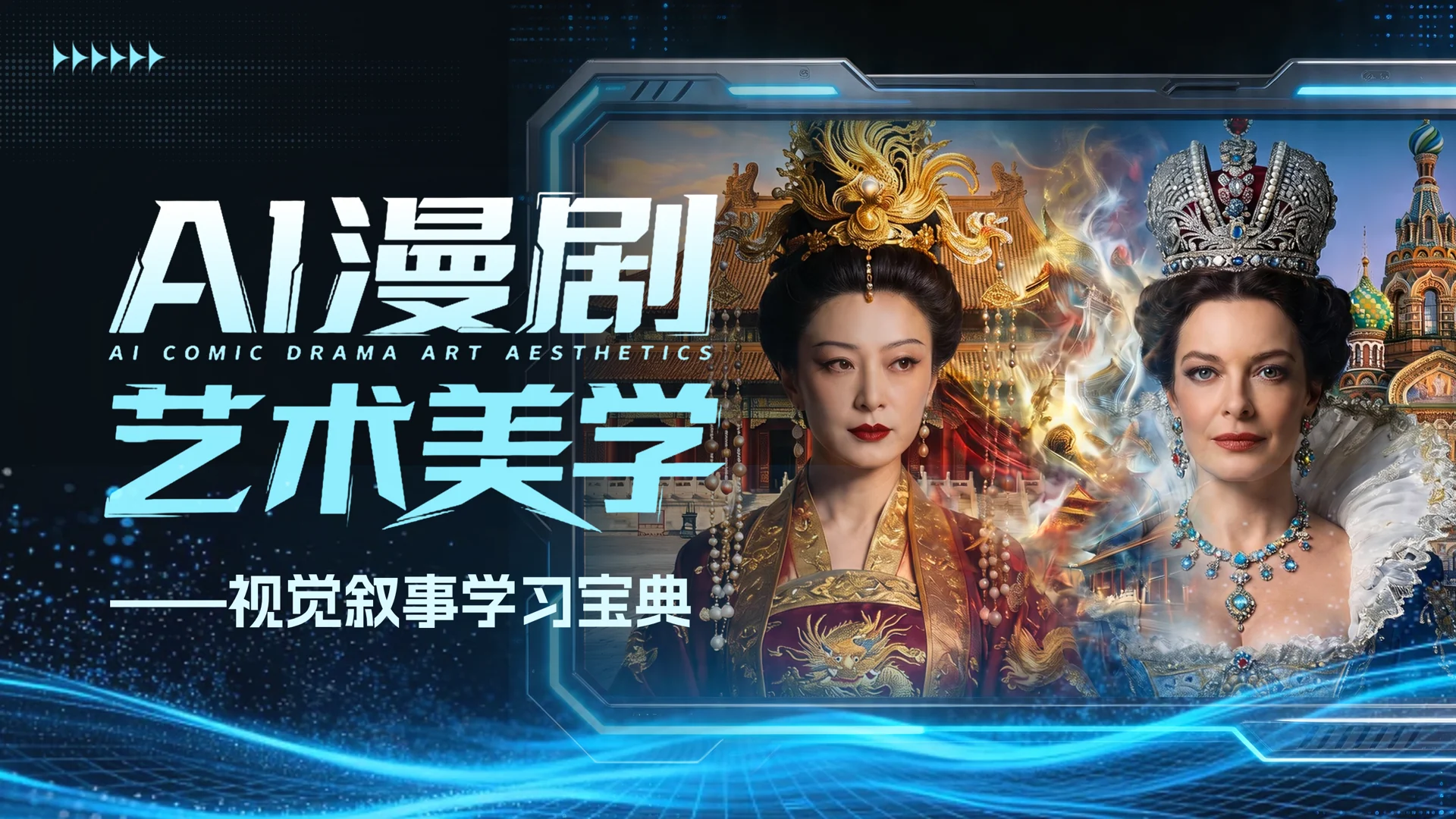
Visual Storytelling & Aesthetics for AI Films

Develop visual judgment for filmmaking through color, composition, lighting, characters and environments.

Visual Storytelling & Aesthetics for AI Films

Instructor: Haiyang
Recorded course · Lifetime viewing access

Audience & course content

Who this course is for

For AI comic and short-video creators with image or filmmaking experience, and creators working in film, animation and games.

What the course covers

  1. Visual language and art movements

    Color, composition, lighting, and styles from classical, modern and digital art.

  2. Ornament and character design

    Eastern and Western ornament, costume, cultural symbols, character descriptions and micro-expressions.

  3. Architecture and spatial storytelling

    Structured descriptions of Eastern aesthetics, Western settings and narrative concept images.

  4. Film visual analysis

    Analyze film color, composition and production design to understand how visuals support a story.

  5. Style guide and short-film practice

    Integrate the seven stages through a visual style guide and a 60-second short-film exercise.

Practice & applications

Translate art knowledge into visual descriptions and style decisions through period detail, lighting, characters and environments.

What equipment and skills do I need?

An intermediate course requiring familiarity with the basic AI video production workflow, rather than a first introduction to AI tools.

Creative foundations

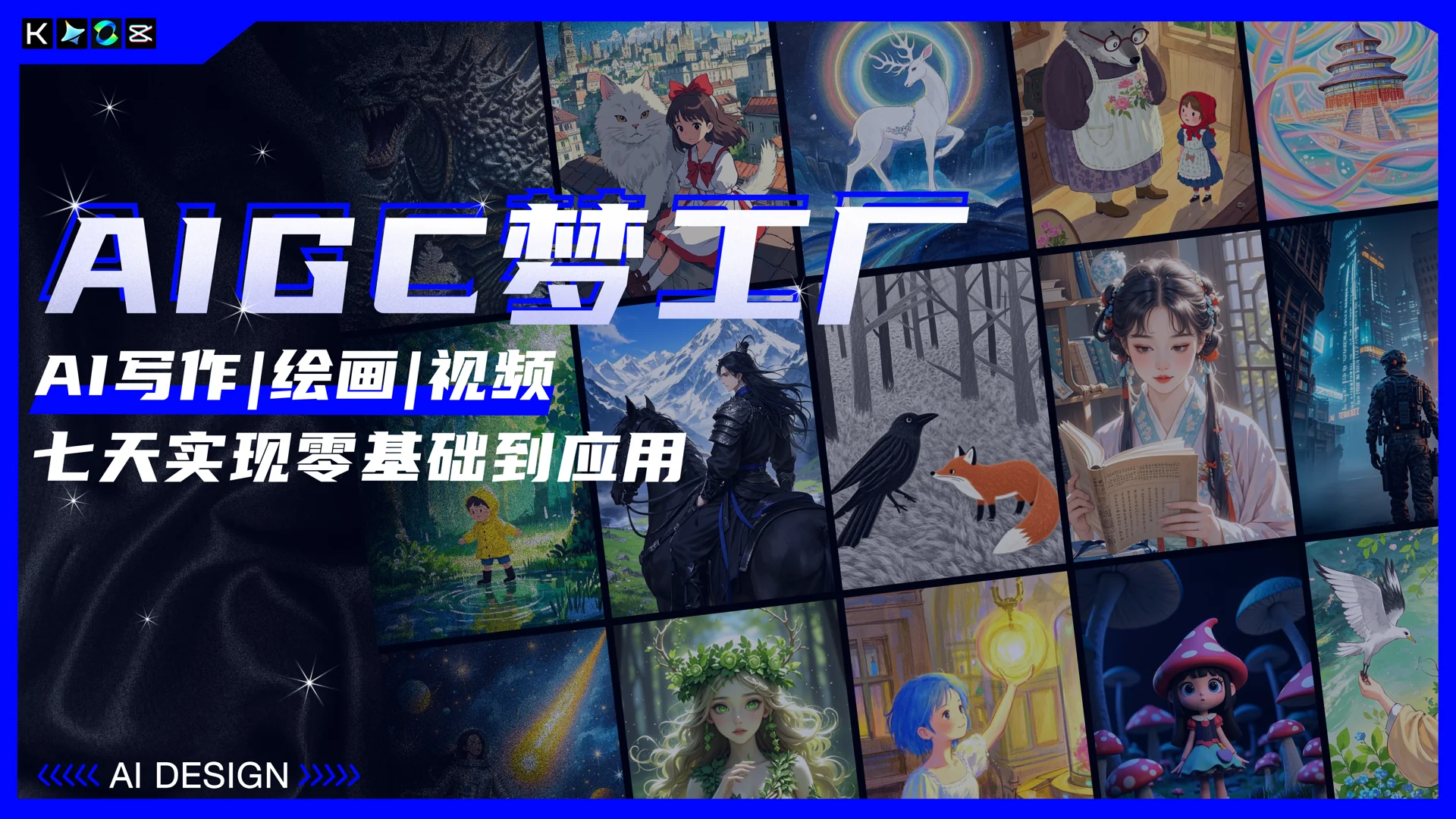
AIGC Foundations: Writing, Images & Video

Connect AI writing, image-making and video, starting with a story and developing it into a creative project.

AIGC Foundations: Writing, Images & Video

Instructor: Haiyang
Recorded course · Lifetime viewing access · Course materials list 10 hours

Audience & course content

Who this course is for

For beginners, students, art enthusiasts and illustrators, connecting AI writing, images and video through storytelling.

What the course covers

  1. AI introduction

    Explore AIGC applications and tools, and prepare for the creative workflow.

  2. AI writing

    Use Kimi for worldbuilding, character profiles, a synopsis and shot planning.

  3. AI image creation

    Use Jimeng for still-image prompts, character consistency and illustrated story images.

  4. AI animation and editing

    Learn image-to-video with Kling, followed by editing, finishing and AI voice.

Practice & applications

Follow a story through character development, storyboard stills and an animated storybook workflow.

Tools covered

Kimi, Jimeng, Kling and Jianying.

AI filmmaking

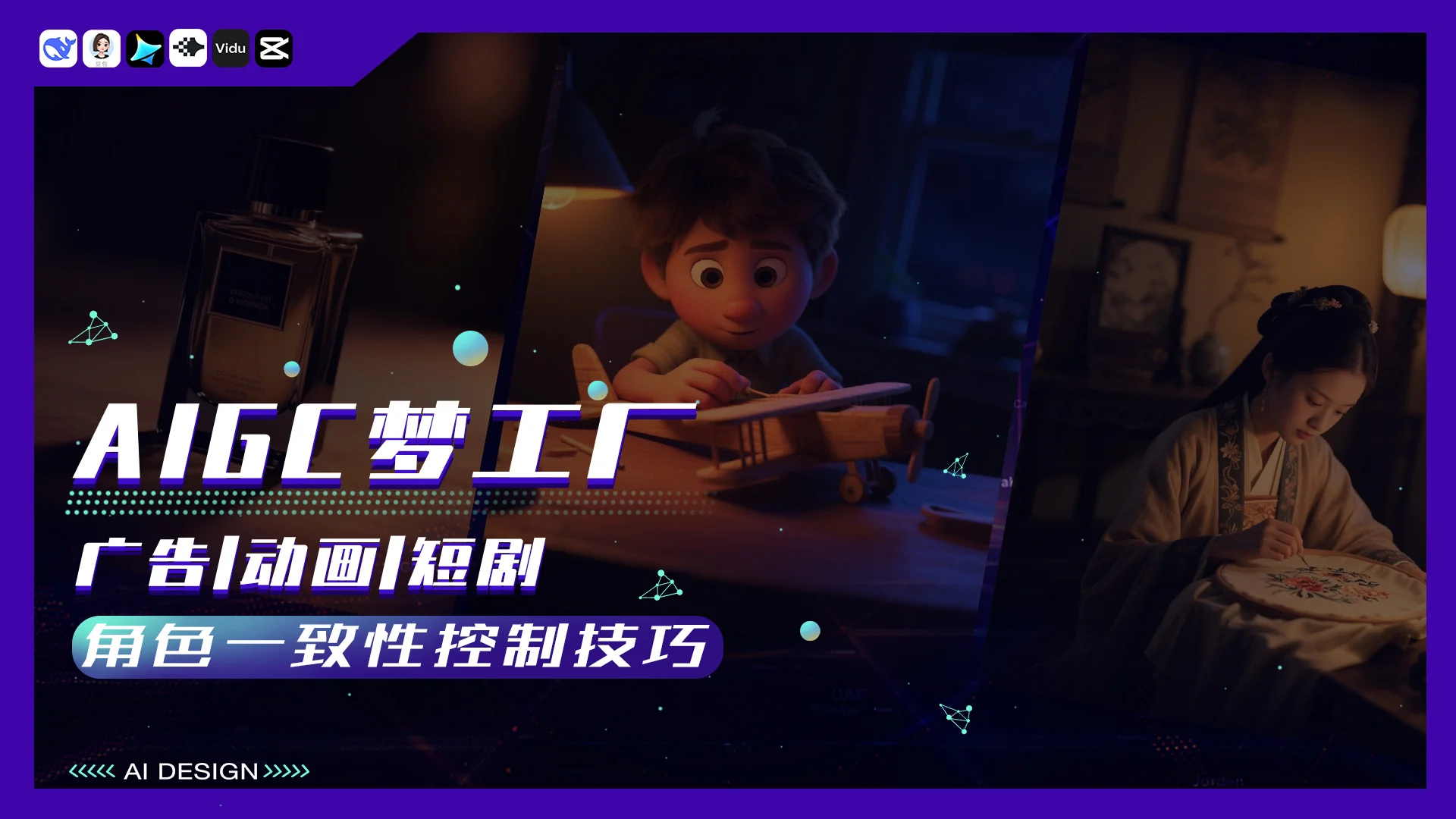
AIGC Character Consistency

Study consistency across products, characters, props and environments through advertising, animation and drama scenarios.

AIGC Character Consistency

Instructor: Haiyang
Recorded course · Lifetime viewing access

Audience & course content

Who this course is for

For creators working on consistency across products, characters, props and settings in AI ads, animation and short dramas.

What the course covers

  1. Commercial advertising

    Use a perfume advertisement to study scripts, shot language, product appearance and shot breakdowns.

  2. Animated short films

    Use a racing animation to study character design, movement and consistency across multiple characters and props.

  3. Photorealistic short dramas

    Use a period-drama scene to study character and setting design, lip sync and complex shots.

Practice & applications

Connect scripts, still frames, generated shots and editing to practice consistency in three example formats.

Content business

Personal Branding: Building Your Influence from Scratch

Explore positioning, content planning and live streaming as part of building and running a personal brand.

Personal Branding: Building Your Influence from Scratch

Instructor: Xiaoqing
Recorded course · Lifetime viewing access

Audience & course content

Who this course is for

For founders, independent professionals, side-project explorers and people developing a content practice through short video and live streaming.

What the course covers

  1. Positioning and getting started on Channels

    Personal-brand fundamentals, business fit, positioning and content-business approaches.

  2. Short-video production

    Topics, content methods, batch-production workflows and AI-assisted creation.

  3. Live-stream operations

    Live content, audience engagement, purchase decisions and operational reviews.

  4. Social channels and long-term practice

    WeChat Moments content, audience relationships, repeat business and personal-brand team roles.

Practice & applications

The course focuses on WeChat Channels videos and live streams, covering content production, business inquiries and long-term operations.

Art fundamentals

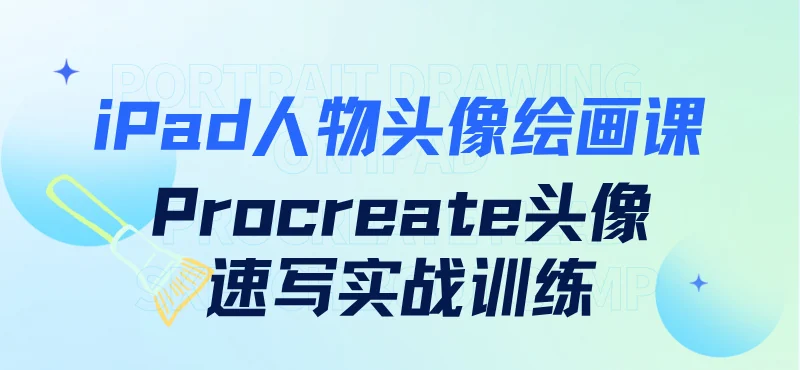
Portrait Sketching on iPad with Procreate

Practice portrait sketching and character drawing in Procreate while developing digital drawing fundamentals.

Portrait Sketching on iPad with Procreate

Instructor: Haiyang
Recorded course · Lifetime viewing access

Audience & course content

Who this course is for

For beginners in iPad drawing, learners strengthening drawing fundamentals, portrait-sketch enthusiasts and character-design learners developing observation and line work.

What the course covers

  1. Software basics and line practice

    Canvas setup, brushes and fundamental line exercises.

  2. Facial features

    Observe eyes, nose, mouth and ears, studying structure, proportion and line simplification.

  3. Head proportions and contours

    Facial proportion guides, feature placement, head-shape differences and hair volume.

  4. Male portrait sketch

    Work from an initial sketch to refinement, exploring feature placement, hair and tonal rhythm.

  5. Female portrait sketch

    Practice facial shape, expression, long-hair structure and tonal rendering.

Practice & applications

Follow complete male and female portrait demonstrations, practicing observation, sketching, refinement and overall adjustments.

Tools covered

iPad, Apple Pencil and Procreate.

What equipment and skills do I need?

An iPad, Apple Pencil and Procreate are recommended. This is a foundational drawing course, not an AI image-generation course.

Contact & collaborate

WeChat official account

WeChat official account · Yuanmi Studio

Business WeChat ID

yuqizoey

WeChat official account

WeChat official account · Yuanmi Studio

WeChat Channels

WeChat Channels · Yuanmi Studio